

Power K
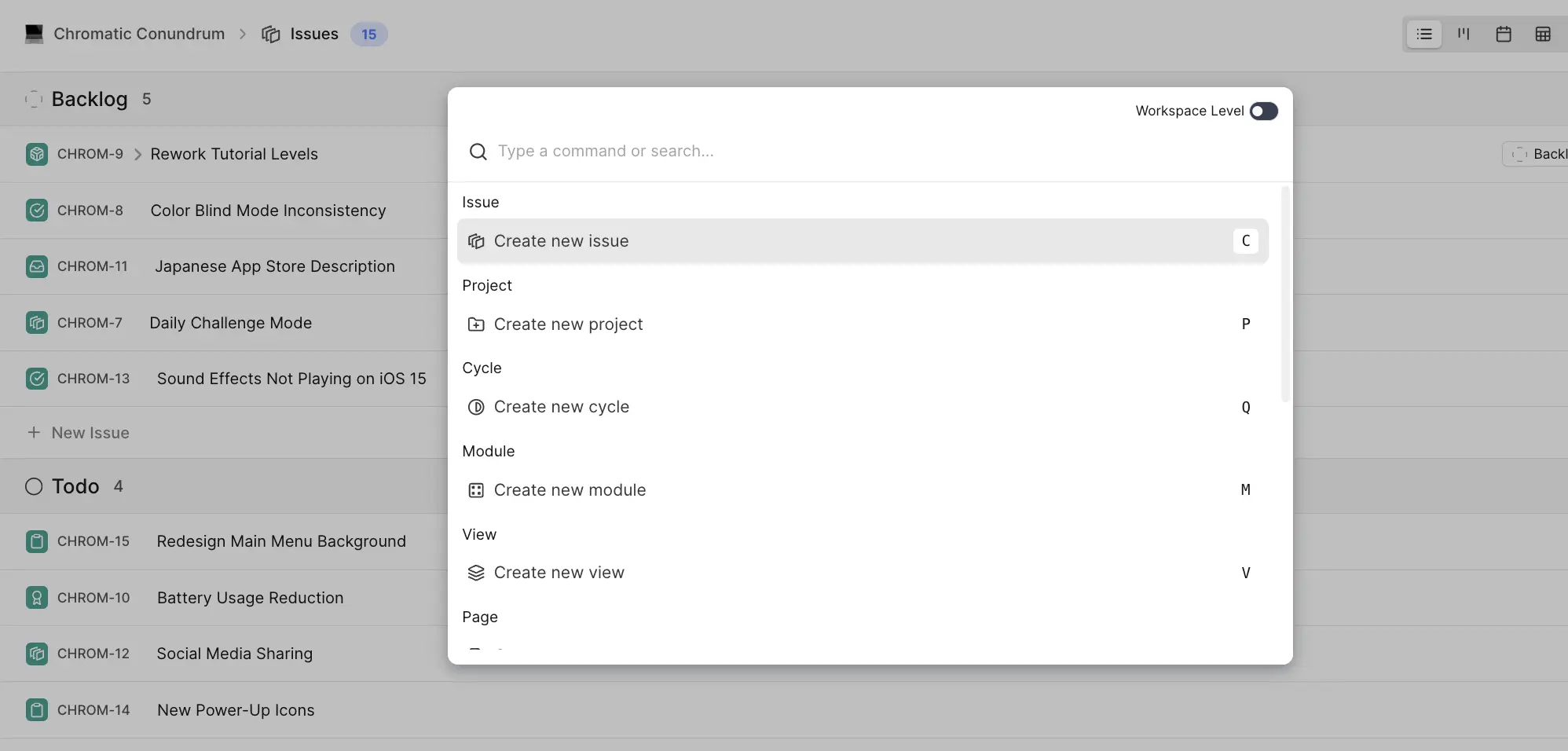
The power of Power K
Search
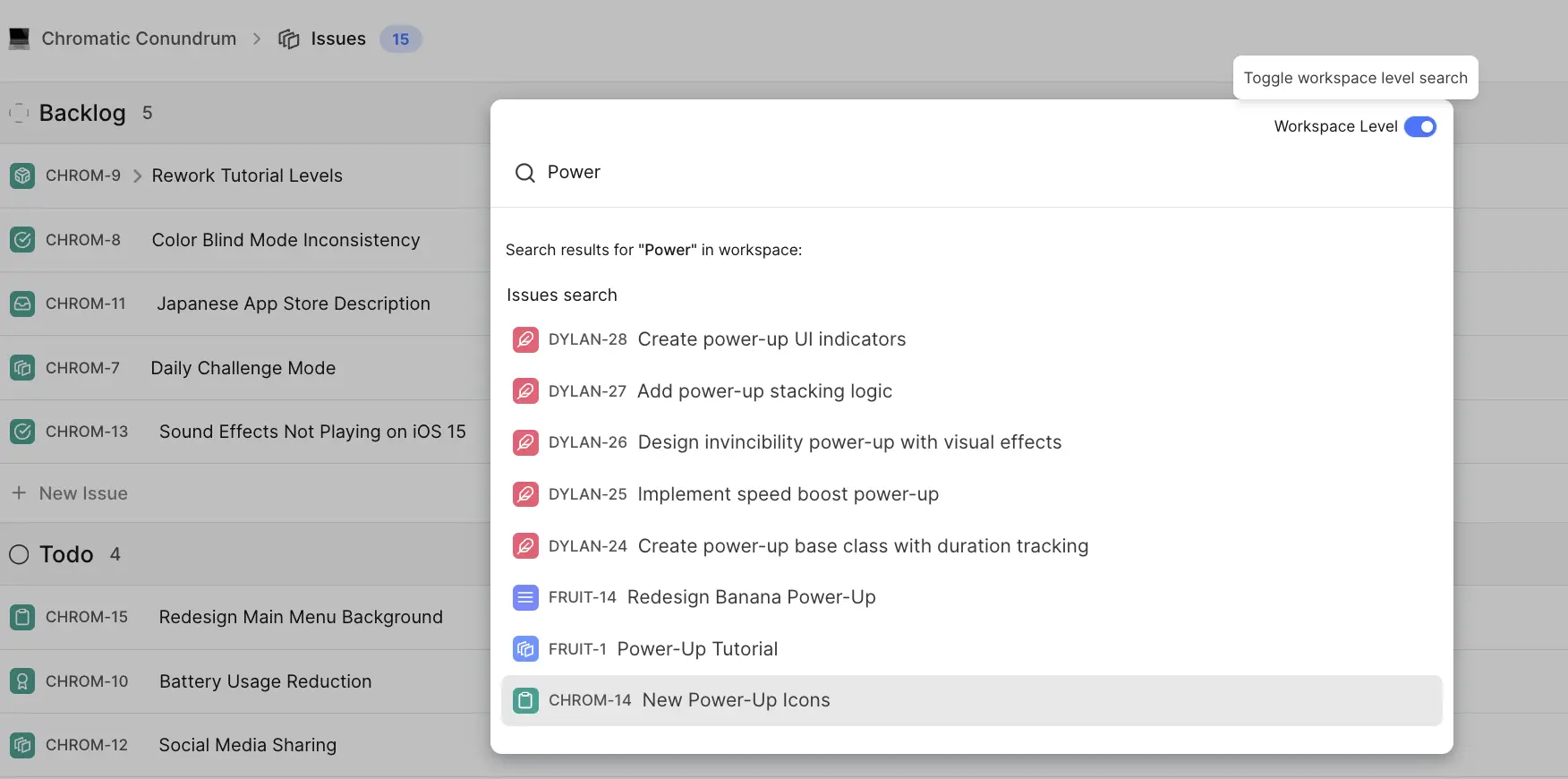
- Remember just a few words from the titles of anything in Plane? Power-K it. As you start typing, work items, cycles, and modules from your project matching your search term will start showing up.

- Expand the scope of this search to include projects in your workspace with just a toggle—powerful when you have several projects and are hunting a work item in all of them.
INFO
🎯 Roadmap item Search profiles, comments, and work item descriptions
Quick access
Workspace and preference settings Quickly toggle between light and dark mode or access workspace settings for APIs and Webhooks in just two clicks.

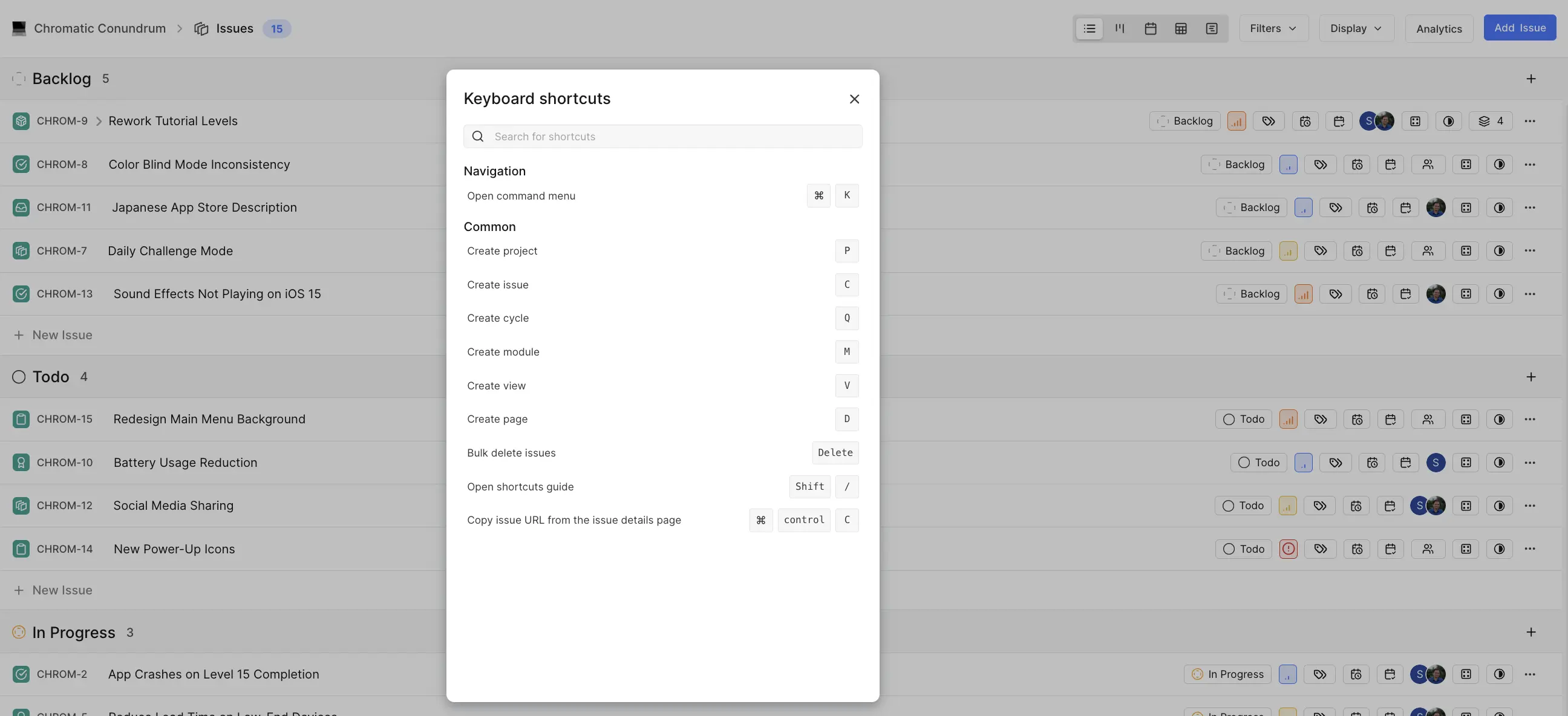
Keyboard shortcuts Get to your list of keyboard shortcuts with the Power K menu in two steps.
Documentation and Support Chat with us, see our docs, or report a bug—all from the Power K menu.
Create
Create anything—projects, work items, cycles, modules, views, pages, and even workspaces, using Power K's create options.
Press ⌘ + K on a work item page to change states, priority, assignments or just to copy work item links.
